

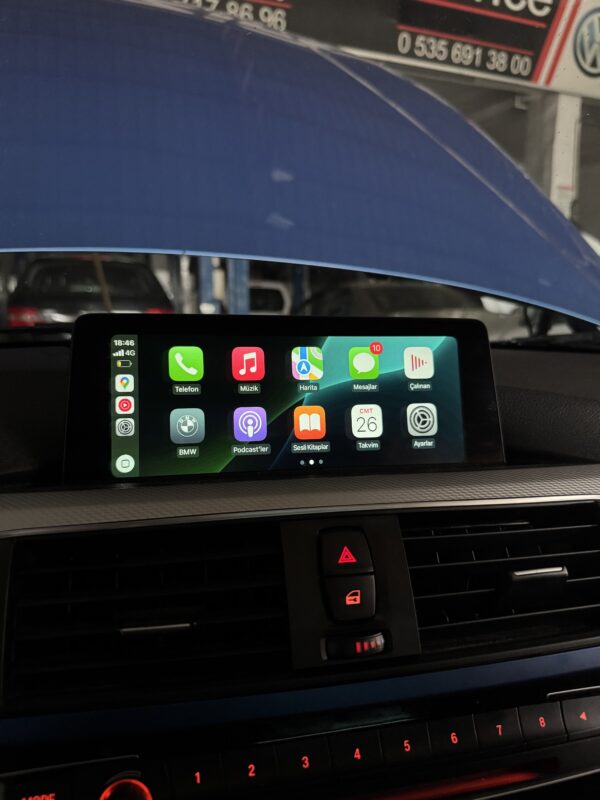
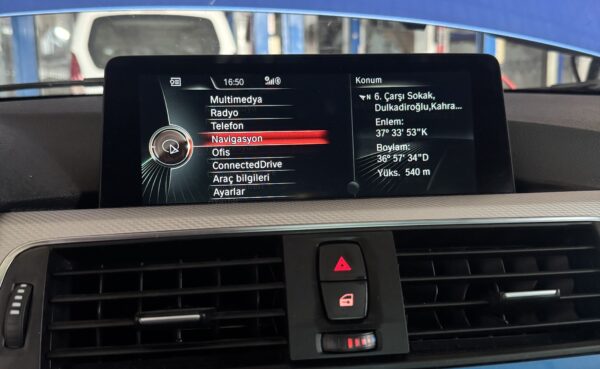
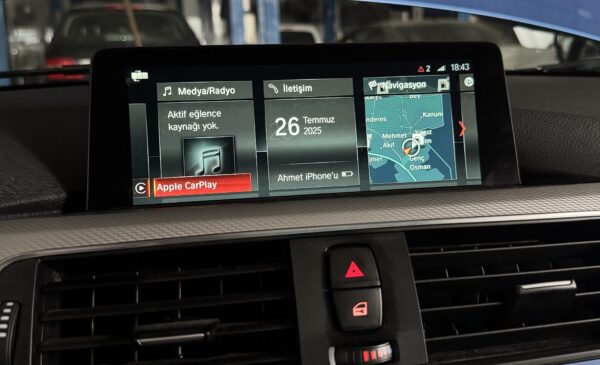
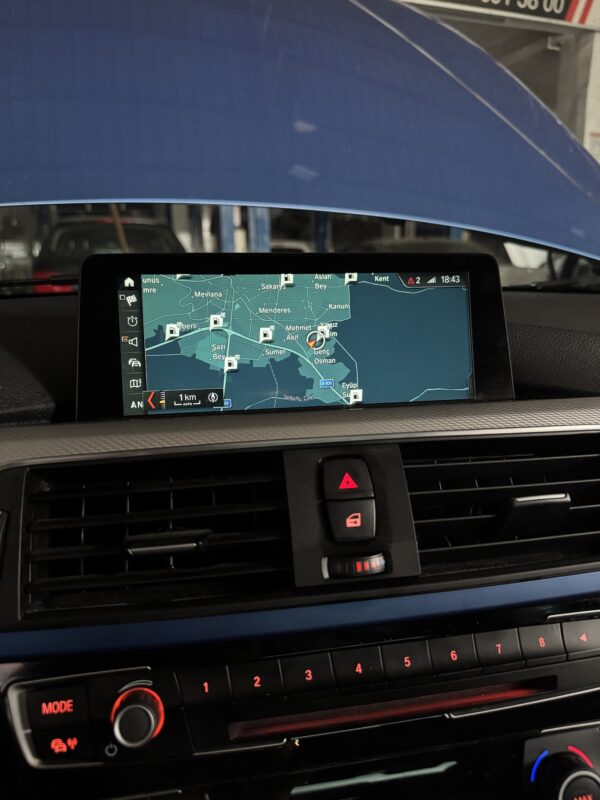
BMW NBTevo iD4 to iD5/iD6 Flash Upgrade
🚀 BMW/Mini Upgrade Your NBT Evo ID4 to ID5/ID6 – Unlock Full-Screen CarPlay & a Faster iDrive Experience
Give your BMW,Mini a modern, responsive, and feature-packed iDrive system.
With this NBT Evo ID4 → ID5/ID6 upgrade, you will unlock:
-
⚡ A faster and smoother interface
-
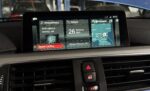
🎨 Enhanced graphics
-
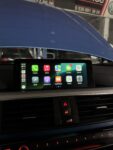
🍎 Full-screen Apple CarPlay
-
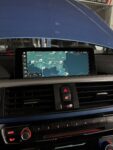
🔧 Expanded coding & navigation features

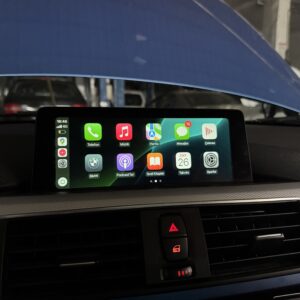
BMW NBTevo iD4 to iD5/iD6 Flash Upgrade
Description
🚀 Upgrade Your NBT Evo ID4 to ID5/ID6 – Unlock Full-Screen CarPlay & a Faster iDrive Experience
Give your BMW a modern, responsive, and feature-packed iDrive system.
With this NBT Evo ID4 → ID5/ID6 upgrade, you will unlock:
-
⚡ A faster and smoother interface
-
🎨 Enhanced graphics
-
🍎 Full-screen Apple CarPlay
-
🔧 Expanded coding & navigation features
This is the must-have BMW CarPlay upgrade for anyone looking to refresh and modernize their vehicle’s infotainment system.
⚠️ Important Notice Before Upgrading from NBT Evo ID4 to ID5/ID6
Please review the requirements below before ordering to ensure your BMW NBT Evo unit is compatible.
🚫 No Refund Policy
Because CarPlay activations and firmware upgrades are digital services,
orders for incompatible head units cannot be refunded.
If you’re not sure whether your unit qualifies, contact us before purchasing.
We will help you verify compatibility.
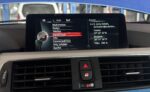
🧭 How to Check Your BMW iDrive System Version
Follow these steps directly from your BMW iDrive menu:
-
Go to Navigation
-
Select Options
-
Select Settings
-
Select Position & Version History
-
Check your Map Version / NBTevo Version
This will help us determine if your NBT Evo ID4 head unit can be safely upgraded to ID5/ID6 with CarPlay.
🔧 Upgrade Requirements
You will need the following items to complete the BMW CarPlay activation and NBT Evo upgrade:
| Item | Required |
|---|---|
| 💻 Windows Laptop | Windows 8 / 10 / 11 (64-bit) |
| 🔌 ENET Cable | Needed to connect your laptop to the vehicle |
| 📶 Wi-Fi Antenna | Required for wireless CarPlay (sold separately) |
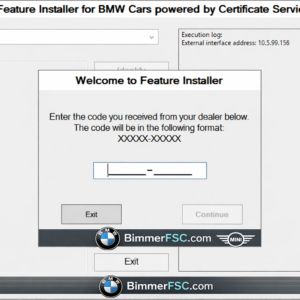
| 🌐 Stable Internet | Essential for Feature Installer activation |
This configuration ensures a smooth connection and stable upgrade process.
💻 About Our Software & Safety Notice
Our upgrade software is fully tested before release and used by professionals worldwide.
However, please note the following:
-
In rare cases, an upgrade may fail due to factors outside our control
-
If your unit becomes unresponsive (“bricked”), we are not responsible
-
No refunds will be issued for failed upgrades
-
You must follow instructions carefully to avoid potential issues
We aim to provide the safest and most reliable BMW NBT Evo coding and CarPlay activation process available, but all system modifications carry risk.
✔ Final Recommendation
Before ordering, send us a photo of your NBTevo version screen.
We will confirm compatibility and advise the best upgrade option for your BMW.
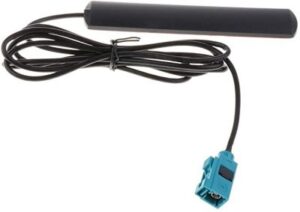
📶 – Wi-Fi Antenna Required for wireless CarPlay (must be purchased separately)
🌐 – Stable Internet Essential for Feature Installer connection and activation
💻 About Our Software
Our software has been thoroughly tested before release.
However, please note:
In rare cases, an upgrade may fail due to factors beyond our control.
If your unit becomes unresponsive or “bricked,” we will not be held responsible and no refund will be issued.
We strive to provide a safe and smooth upgrade experience, but it’s important to understand that any modification to your system carries risk.
🔧 Be prepared and follow all instructions carefully.
There are no question found.


Rating & Review
There are no reviews yet.