



Customize your Feature Installer Code
🚀 Unlock Premium Features for Your BMW Head Unit Activate Apple CarPlay, Video in Motion, SSH Access,Component Protection,FULL FSC Patch, and many other premium functions on compatible BMW systems, including MGU ,NBT Evo, EntryNav2, and NBT.

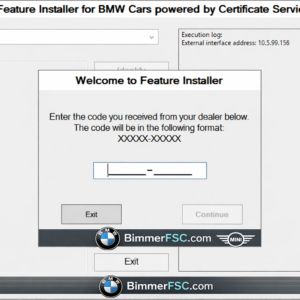
Customize your Feature Installer Code
Description
🚗 BMW CarPlay & FSC Feature Activation for NBT / NBTEvo / EntryNav2
🔧 Compatible BMW Head Units
This service supports the following BMW head units:
✔ NBT
✔ NBTevo ID4 / ID5 / ID6
✔ EntryNav2
Using this activation service, you can unlock multiple premium BMW features directly on your head unit.
⚡ Available Activations & Features
You can choose from the following BMW FSC and coding features:
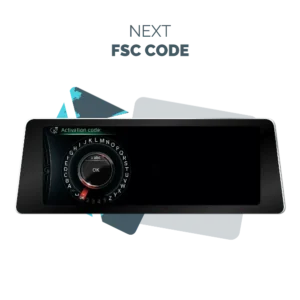
🔑 FSC Pack Installation
Includes popular FSC codes such as:
-
9C – Apps
-
A0 – ECE / US Navigation
-
A1 – Asia Navigation
-
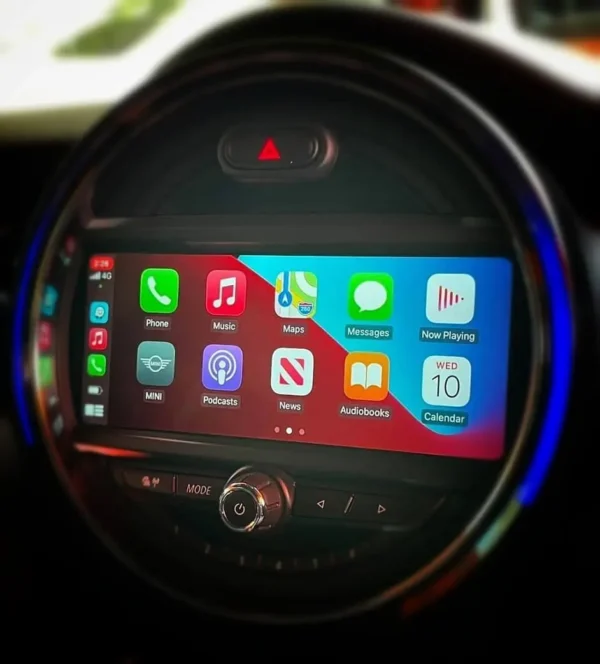
143 – Apple CarPlay
-
170 – Component Protection
-
and more.
📱 Feature Unlock Options
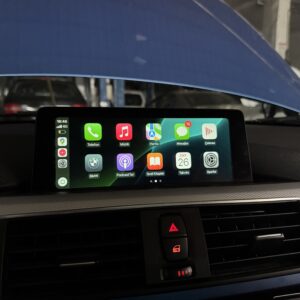
✔ Apple CarPlay Activation
✔ CarPlay Full Screen Mode
✔ Black Screen / Region Unlock
✔ Enable EVO & EntryNav2 SSH
✔ Enable VO Coding Fix
✔ Enable VIM – Video in Motion
✔ NBT FSC Pack Installation
✔ Enable iDrive ID6 Menu
✔ Clear SWT Codes
✔ Virginize EVO – Clear V850
✔ Remove Component Protection (EVO & EntryNav2)
💻 Activation Methods
Depending on your NBTevo firmware version, activation can be done in two different ways.
🔌 Method 1 – USB Activation (Easy Method)
Supported firmware versions:
NBTevo_H, I, J, K, L, M, N and O
You can activate CarPlay directly via USB.
Steps:
1️⃣ Download the file we send you.
2️⃣ Copy it to a USB stick (4GB / 8GB / 16GB / 32GB) formatted FAT32.
3️⃣ Insert the USB into the car.
4️⃣ Wait 30 seconds.
5️⃣ Remove the USB.
6️⃣ Press and hold the volume button for 15–20 seconds (the iDrive system will reboot).
7️⃣ Wait another 20 seconds.
🎉 Coding starts automatically and the feature is activated.
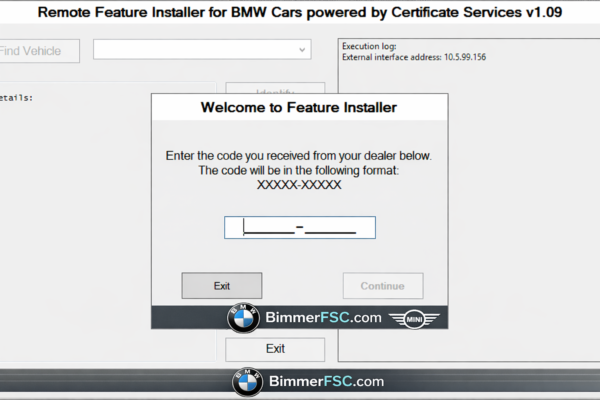
🌐 Method 2 – ENET Remote Activation
Supported firmware versions:
NBTevo_P, Q, R, S, T, U, V, W, X and Y
CarPlay activation is performed remotely via ENET cable.
Required Equipment
💻 Laptop
-
Windows 10 or newer
-
64-bit system
📡 Wi-Fi Antenna
Your phone must connect wirelessly to Apple CarPlay, so you will need to install a Wi-Fi antenna module.
🔌 ENET Cable
Used to connect your laptop to the vehicle for remote coding.
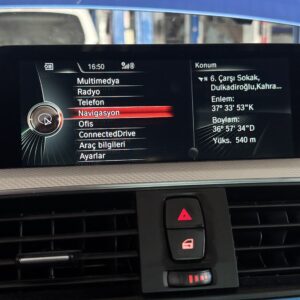
🔍 How to Check Your BMW iDrive Version
Before purchasing, please check your iDrive software version.
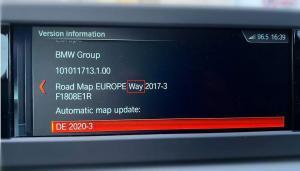
Steps:
1️⃣ Open Navigation
2️⃣ Select Options
3️⃣ Select Settings
4️⃣ Open Position & Version History
5️⃣ Click Check Version
📡 Check If Your Unit Has Wi-Fi
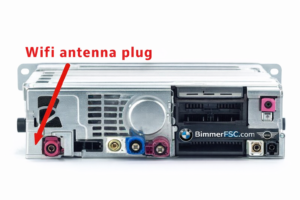
⚠ CarPlay requires a Wi-Fi module.
To verify this:
1️⃣ Remove the AC control panel
2️⃣ Pull out the head unit
3️⃣ Check if there is a Wi-Fi antenna connector
❗ If your unit does NOT have a Wi-Fi connector, Apple CarPlay cannot be activated.
🛠 Requirements
To complete the activation you will need:
📡 Wi-Fi Antenna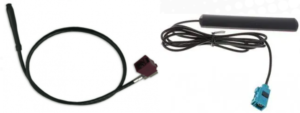
Required for wireless Apple CarPlay connection.
💻 Laptop
-
Windows 8 / 10 / 11
-
64-bit system
🔌 ENET Cable
Required for remote coding connection.
🌐 Stable Internet Connection
Ensures a secure and stable remote session.
⚡ Fast Activation Support
For faster response and instant feature activation, please contact us via:
💬 Skype
📱 Facebook
Our team can provide the feature activation code instantly.
There are no question found.




Rating & Review
There are no reviews yet.